



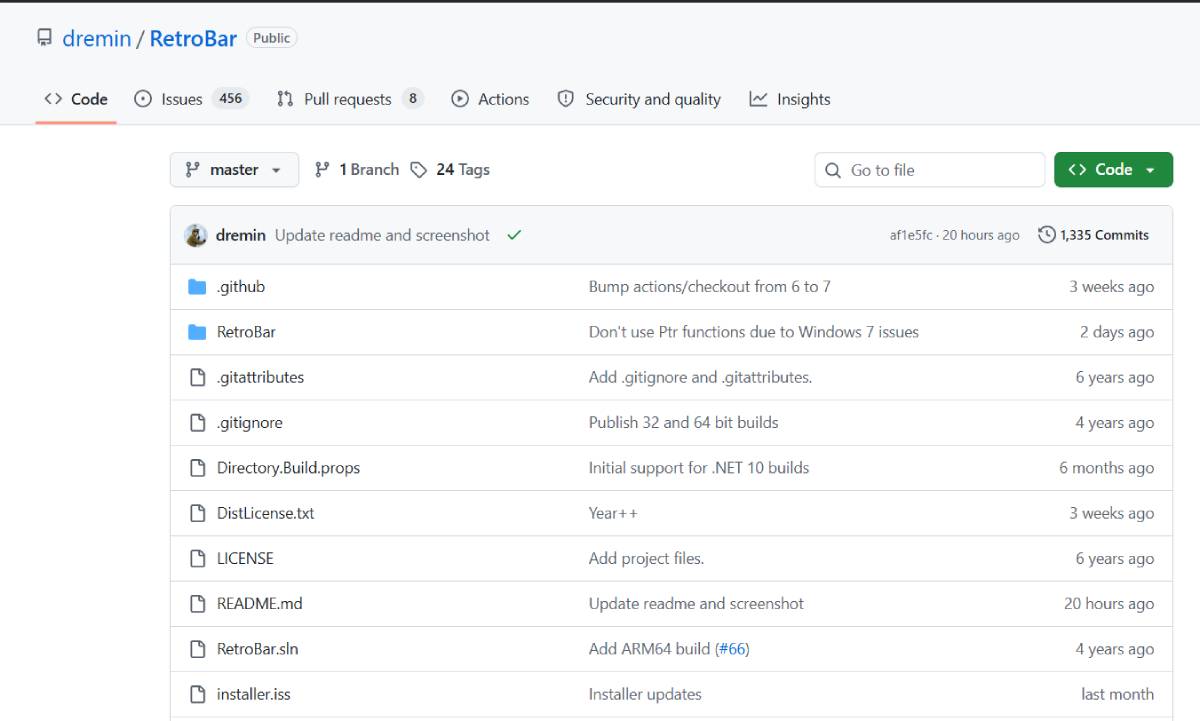
RetroBar is gaining attention as users continue seeking customizable desktop environments that combine modern operating systems with familiar classic interfaces. The lightweight utility reflects a broader trend toward digital personalization, where individuals and organizations look for greater control over their computing experiences while balancing productivity, usability, and software flexibility.
RetroBar is a Windows customization tool designed to recreate the appearance and functionality of classic Windows taskbars while operating on newer versions of the operating system. The application provides users with a nostalgic interface experience, offering customization options for those who prefer traditional desktop layouts.
The software represents continued interest in lightweight utilities that modify user interfaces without requiring major system changes. As personalization becomes an important aspect of user experience, tools like RetroBar appeal to individuals seeking improved workflow familiarity, simplified navigation, and greater control over their digital workspace. This trend highlights ongoing demand for flexible desktop customization solutions.
Desktop computing has undergone significant transformation as modern operating systems increasingly prioritize cloud integration, touch compatibility, and streamlined visual designs. However, many users continue to value traditional interface elements that provide familiarity, efficiency, and predictable workflows.
The rise of personalization software reflects a broader technology trend where users expect greater control over their digital environments. Similar movements have emerged across operating systems, browsers, productivity platforms, and mobile applications, with customization becoming a key factor in user satisfaction.
RetroBar fits within this ecosystem by addressing demand for classic interface experiences while supporting newer Windows environments. For businesses, interface familiarity can influence employee productivity, especially in environments where users depend on established workflows. The continued popularity of customization utilities demonstrates that usability and personal preference remain important considerations in software development.
Technology analysts suggest that interface personalization tools continue to maintain relevance because users often develop strong preferences for familiar digital workflows. Experts note that while modern operating systems introduce new design philosophies, many professionals prioritize efficiency and reduced learning curves over visual changes.
Industry specialists also highlight the importance of lightweight software solutions that provide customization without significantly affecting system performance or security. Organizations evaluating desktop modifications must consider compatibility, maintenance requirements, and IT management policies.
Although no major corporate announcement accompanies RetroBar’s development, analysts view the tool as part of a wider movement toward user-controlled computing experiences. The continued interest in classic interfaces demonstrates that software innovation is not only about introducing new features but also about improving accessibility, familiarity, and user satisfaction.
For businesses, RetroBar highlights the importance of adaptable digital environments that support employee preferences and productivity requirements. Organizations with large desktop-based workflows may consider customization solutions when improving user experience, provided they align with security and IT governance standards.
Software developers and technology companies can learn from the continued demand for flexible interfaces, where user choice remains a competitive advantage. Investors monitoring productivity software markets may recognize growing opportunities in tools that enhance workplace efficiency and personalization. Policymakers and IT leaders must also balance customization benefits with cybersecurity, software management, and compliance considerations across enterprise environments.
Demand for desktop customization tools is expected to continue as users seek more personalized and efficient computing experiences. Decision-makers should monitor trends in operating system flexibility, workplace productivity software, and user-centered design. RetroBar represents a broader shift toward technology solutions that respect user preferences while demonstrating that familiar interfaces can remain valuable in an evolving digital workplace.
Source: AlternativeTo
Date: July 23, 2026


